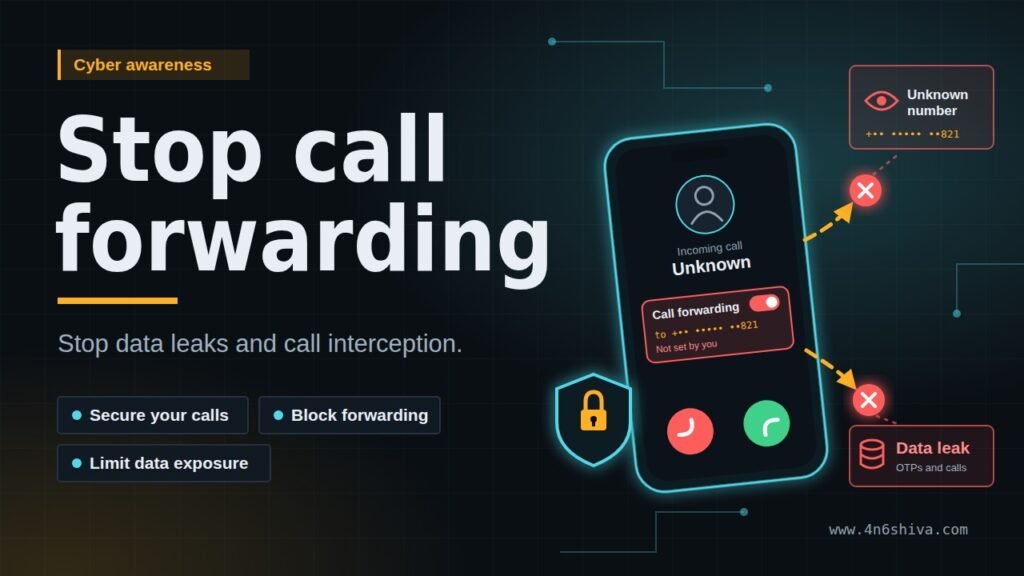
Call forwarding is a useful feature that allows incoming calls to be redirected from your mobile number to another phone number. However, if call forwarding has been enabled without your knowledge, you may want to disable it immediately and restore incoming calls to your own SIM card. how to stop Call Forwarding on Your Phone
In some cases, users may notice that their calls are being redirected to another number after changing phone settings, activating a particular service, or experiencing a suspected account or SIM-related security issue. Regardless of how call forwarding was enabled, there are several steps you can try to turn it off. how to stop Call Forwarding on Your Phone
- Use the Call Forwarding Cancellation Code
One of the quickest methods to cancel call forwarding is to use the standard GSM/MMI cancellation code.
Open the Phone/Dialer application on your mobile phone and enter:
“##002#”
Then press the Call button.
This code is commonly used by mobile networks to cancel or deactivate all types of call forwarding that are active on the SIM/network account.
After entering the code, your network may display a confirmation message indicating whether the request was successfully completed.
What if “##002#” does not work?
If the code fails, shows an error, or does not produce the expected result, do not repeatedly enter random codes.
Call-forwarding commands can vary depending on your mobile operator, network technology, and SIM configuration.Instead, check your phone’s call settings and contact your mobile network operator to confirm whether call forwarding is active on your number.
- Check Call Forwarding in Your Phone Settings
You can also check whether call forwarding has been enabled through your phone’s settings.On many Android phones, you can find these options under:
Phone app → Settings → Calling accounts/SIM → Call forwarding
The exact menu names can differ depending on the phone manufacturer and Android version.
On an iPhone, call forwarding can generally be checked under:
Settings → Apps → Phone → Call Forwarding
If you find that calls are being forwarded to a number you do not recognize, disable the forwarding option and check whether incoming calls are restored.
Keep in mind that the availability of these settings can depend on your carrier and SIM.
- Restart Your Phone
After disabling call forwarding, restart your phone.
A restart can help the device reconnect to the mobile network and refresh its network configuration. Once the phone has restarted, ask someone you trust to call your number and verify whether the call reaches your phone normally.
- Try the SIM Card in Another Phone
If call forwarding still appears to be causing problems, remove the SIM card and insert it into another compatible phone.
Make a test call to your number.
If the problem follows the SIM card when it is used in another phone, the issue may be related to the mobile network or the SIM/account rather than the handset itself.
If the problem occurs only on your original phone, check the phone’s call settings, installed applications, and network configuration.
- Change the SIM Slot
For phones with two SIM slots, you can also try moving the SIM card to the other available slot and restarting the device.
This is not a guaranteed solution for call forwarding because call forwarding is generally controlled at the network/carrier level, but changing the slot can help identify whether the issue is related to the phone’s SIM configuration.
- Contact Your Mobile Network Operator
If none of the above methods work, the safest option is to contact your mobile network operator.
Ask the operator to check whether any call-forwarding services are active on your number. If you suspect that your SIM or mobile account has been compromised, tell the operator about the issue and ask them to verify the account and SIM status.
You may also be advised to obtain a replacement or duplicate SIM card. A replacement SIM can be useful when there is a suspected SIM-related problem, loss of service, or another account-level issue.